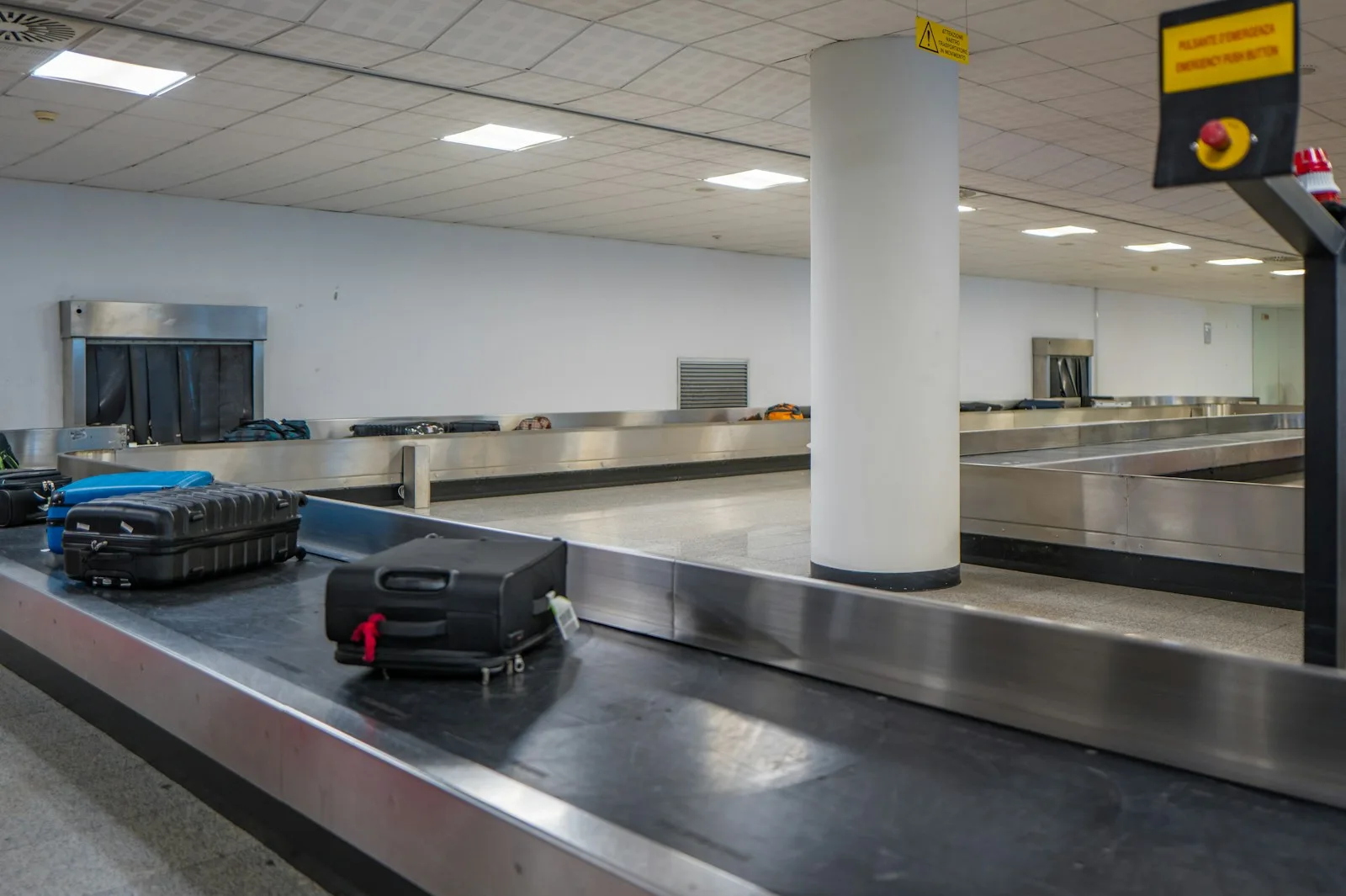
When an airline misplaces your checked bag, the gap between “we’re locating it” and reality can run days. A $29 Bluetooth tracker closes that gap to minutes: you watch the bag land (or not land) on a map on your phone, and you walk to the baggage desk with a street address instead of a hope.
The catch is that these trackers don’t have GPS. They piggyback on crowd-sourced finding networks — every compatible phone that walks past your bag silently reports its location. That makes the network, not the hardware, the thing you’re actually buying. Here are the four worth putting in a suitcase.
Some links in this review are affiliate links. Intastravel may earn a small commission at no extra cost to you. It does not change which products we pick.
How luggage trackers actually work
A Bluetooth tracker broadcasts an anonymous signal. Phones on the same network that pass within range relay its position to you, end-to-end encrypted. In an airport — thousands of phones, all day — this works astonishingly well. In a rural cargo warehouse, updates slow to whenever a compatible phone wanders by.
Practical consequences:
- Match the tracker to your phone. Apple’s Find My network only reports to Apple devices; Google’s Find Hub network reports to Android. A tracker on the wrong network is a keychain ornament.
- Airlines accept them. Trackers with coin-cell batteries (every pick below) are fine in checked bags under current FAA and TSA guidance on lithium cells of this size.
- They locate; they don’t protect. A tracker doesn’t stop theft or loss — pair it with sensible habits and, for valuables, keep them in the cabin with you.
The short answer
iPhone users should buy the Apple AirTag ($29 single, $99 four-pack) — the Find My network is the densest there is, and the current generation has the loudest speaker and longest Precision Finding range AirTag has shipped. Android users should buy the Chipolo POP ($29), which can run on either Google’s Find Hub or Apple’s Find My network. The eufy SmartTrack Link ($19.99) is the budget play for Apple households tagging multiple bags. The Tile Pro ($34.99) suits mixed-device families who want one app across iOS and Android.
Top pick
Apple AirTag (4-pack for luggage sets)
The Find My network is unmatched in airports — location updates within minutes. Loudest AirTag speaker yet, expanded Precision Finding, replaceable CR2032 battery. $29 each or $99 for four.
Check price at Apple — from $29
The four options, compared
| Apple AirTag | Chipolo POP | eufy SmartTrack Link | Tile Pro |
|---|
| Price | $29 (4 for $99) | $29 (4 for $89) | $19.99 | $34.99 |
| Network | Apple Find My | Apple Find My or Google Find Hub | Apple Find My | Tile/Life360 (iOS + Android) |
| Ringer | Loudest AirTag yet | ~120 dB | Built-in alarm | Loud, Pro-class |
| Battery | CR2032, replaceable | CR2032, ~1 year | CR2032, up to 1 year | Replaceable, ~1 year |
| Water resistance | Yes | IP55 | Splash-resistant | IP68 |
| Best for | iPhone users | Android users / switchers | Budget multi-bag tagging | Mixed-phone households |
Apple AirTag — best for iPhone users
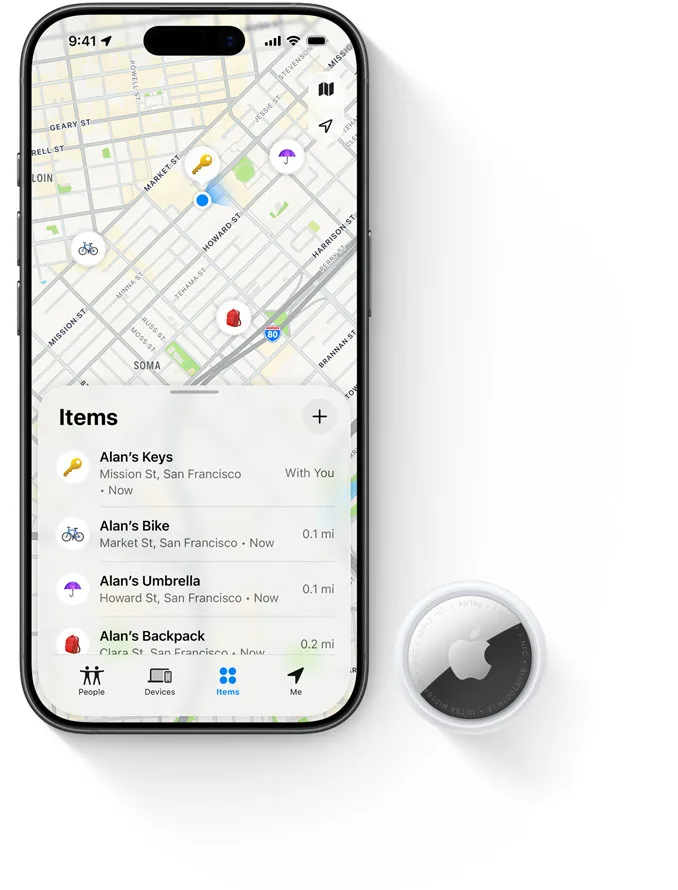
Photo: Apple
$29 single / $99 four-pack at apple.com
The AirTag wins on the only spec that decides lost-luggage outcomes: network density. Every iPhone on earth is a potential relay, and in an airport the result is location updates that arrive within minutes of your bag moving. Airlines have leaned into it — several major carriers now accept shared Find My locations in their lost-bag workflows.
The current generation adds the loudest speaker AirTag has shipped and an expanded Precision Finding range — on recent iPhones, an on-screen arrow walks you to within inches of the tag, which is genuinely useful when your black suitcase is one of forty black suitcases in a holding room. The CR2032 battery is user-replaceable and lasts about a year. Drop one in an interior pocket (not the outside — trackers in exterior pockets get found by thieves first), and buy the four-pack if you’re tagging a family’s worth of bags; at $99 it brings the per-bag cost to under $25.
The hard limit: Android users get nothing from Find My. If anyone who needs to see the bag’s location carries Android, buy the Chipolo instead.
Check price at Apple — from $29
Chipolo POP — best for Android (and the undecided)
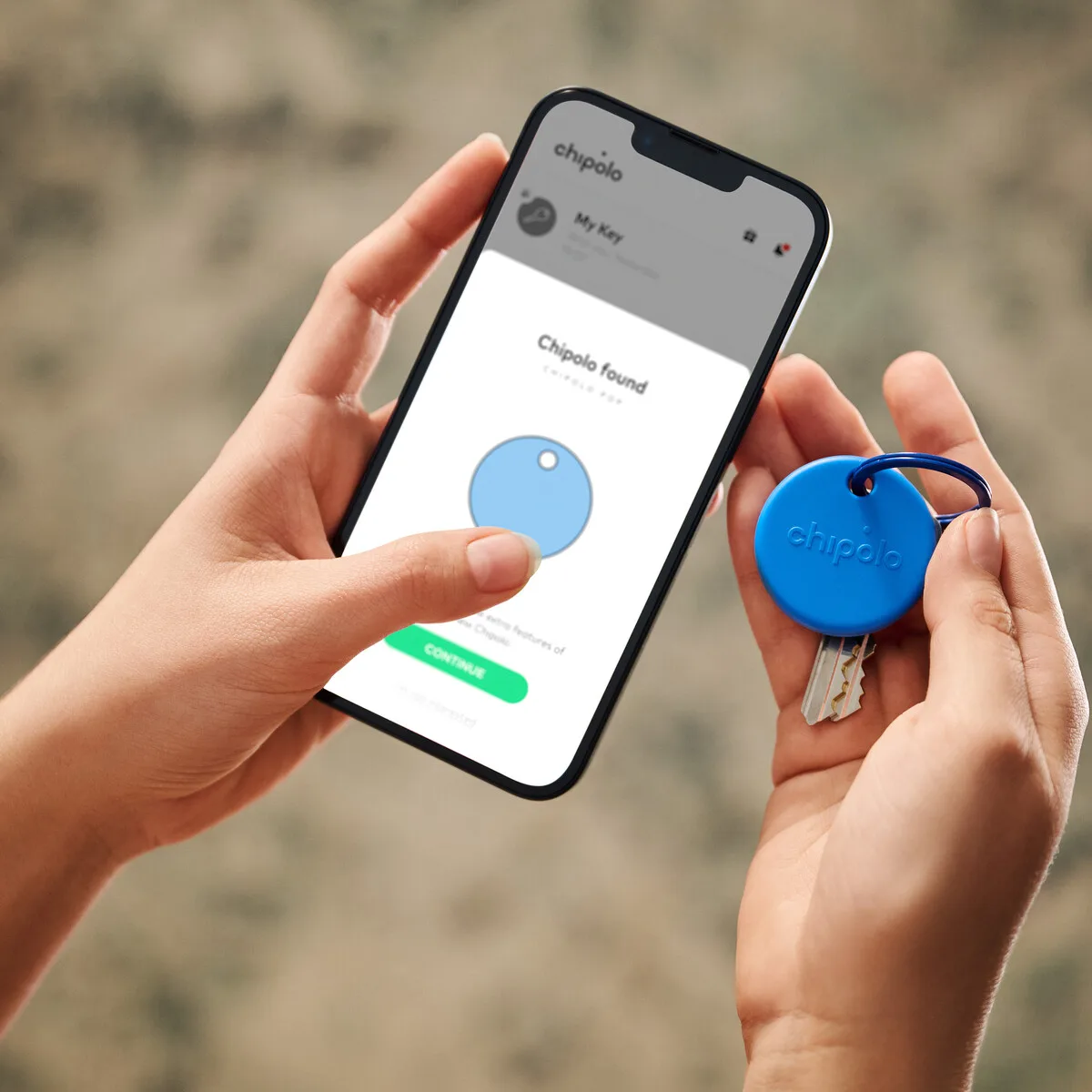
Photo: Chipolo
$29 at chipolo.net
The Chipolo POP’s trick is that it works on either major finding network — Apple Find My (iOS 14.5+) or Google Find Hub (Android 9+). You pick one at setup; it can’t do both simultaneously, but switching phones no longer means switching trackers, which makes it the obvious buy for Android users and anyone who might change sides.
The hardware holds up against the AirTag: up to 300 ft of Bluetooth range, a ~120 dB ring (louder than most rivals, easy to hear through a padded suitcase), IP55 dust and splash protection, and a replaceable CR2032 battery good for about a year. It also has a built-in lanyard hole, so it clips to a luggage strap or interior D-ring without the $10+ holder an AirTag needs.
Trade-off: Google’s Find Hub network, while improving fast, is still less dense than Apple’s — Android users should enable the network’s highest-traffic setting (“with network in all areas”) for best results in transit.
Check price at Chipolo — $29
eufy SmartTrack Link — best budget pick for Apple users
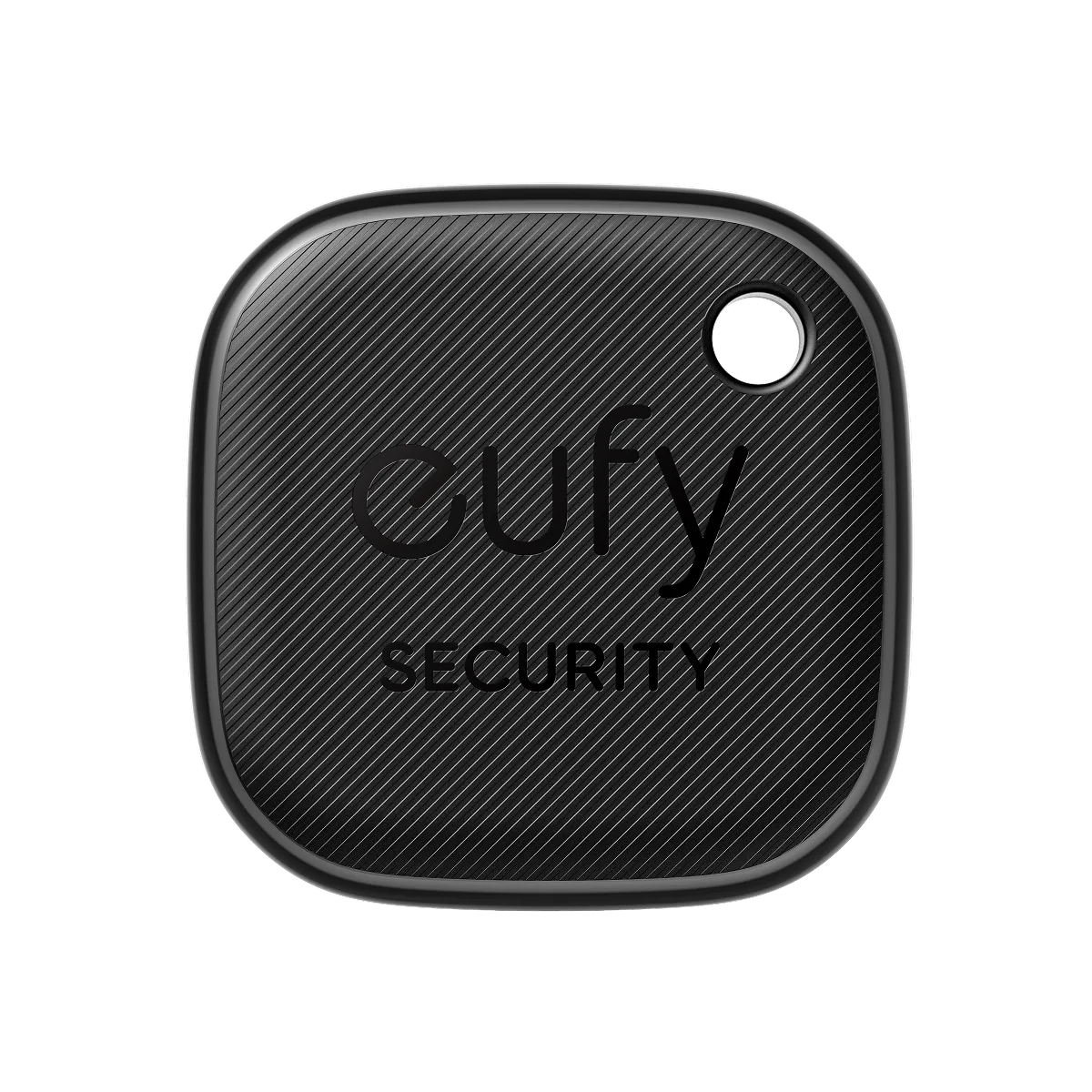
Photo: eufy
$19.99 at eufy.com
The SmartTrack Link (by Anker’s eufy brand) rides the same Apple Find My network as an AirTag for a third less money — $19.99 single, with 2-packs ($35.99) and 4-packs ($69.98) that undercut Apple further. For a household tagging four suitcases, two backpacks, and a camera bag, the math is the argument.
You give up Precision Finding (the inch-level arrow is AirTag-only — eufy relies on Bluetooth proximity and ring instead), and the build is plastic rather than Apple’s polished puck. You keep the parts that matter for luggage: Find My network reporting, a left-behind alert the moment you walk away from a tagged bag, a built-in alarm, a replaceable CR2032 battery good for up to a year, and a molded keyring hole that attaches directly to zippers and straps.
Apple-only: there is no Android pathway here. Android users, see the Chipolo above.
Check price at eufy — $19.99
Tile Pro — best for mixed iOS/Android households
$34.99 at life360.com
Tile predates the AirTag, and its enduring advantage is platform agnosticism: the Tile app runs on both iOS and Android, so a family split across both can all see the same tagged suitcase — something neither the AirTag nor an eufy can offer. The Pro is the flagship: a 500-foot advertised Bluetooth range (the longest of any pick here), an IP68 rating that shrugs off rain and tarmac puddles, a genuinely loud ringer, and a replaceable battery good for about a year.
The honest trade-off is the finding network. Tile’s relay network is built from Tile app users and Life360’s user base — real, but thinner than Apple’s or Google’s, so out-of-range location updates can lag behind an AirTag’s in the same airport. For pure lost-luggage insurance on one platform, the AirTag or Chipolo wins; for one tracker everyone in a two-platform family can follow, the Tile Pro is the only game in town.
Product-image note: Life360’s store blocks automated image retrieval, so this section ships without a product photo — the link below goes to the brand’s own product page.
Check price at Tile (Life360) — $34.99
Where to put a tracker in your luggage
Inside, not outside. An exterior pocket is the first place a thief checks and the first thing that gets crushed on a belt. Slip the tracker into an interior zip pocket or, better, inside a packing cube in the middle of the bag — the signal passes through fabric and clothing fine. If your suitcase has a fabric liner with a gap, behind the liner is the stealth option.
Pair the tracker with a tag that handles the human side — our luggage tag guide includes a leather WaterField holder built specifically for AirTags — and a TSA-approved lock so the bag the tracker finds is still closed when you reach it.
FAQ
Are Bluetooth trackers allowed in checked luggage?
Yes. TSA and FAA guidance permits devices with small coin-cell lithium batteries (like the CR2032 in every pick above) in checked bags. No airline in the US currently prohibits them.
Will a tracker work if my bag ends up in another country?
Yes — the finding networks are global. An AirTag in a bag misrouted to Madrid reports its location via every iPhone that walks past it in Madrid. Coverage follows smartphone density, so cities report fast and rural cargo depots report slowly.
Can I track my bag live during the flight?
Not continuously — there are no relay phones in a cargo hold at altitude. You’ll typically see the bag’s last location at the departure airport, then a new update shortly after landing as crews and passengers with phones come within range. The update that matters — “did it make my connection?” — arrives within minutes of the bag hitting the belt system.
AirTag or Chipolo if I have an iPhone today but might switch?
Chipolo POP. On an iPhone it runs on the same Find My network as an AirTag; if you later switch to Android, you re-pair it to Google’s network instead of buying new hardware. The only thing you give up is Apple’s Precision Finding arrow.